TigerGraph
ResourcesPathfinderDiscord(opens in a new tab)
Resources

Everything, In One Wall

Videos, courses, hands-on tutorials, docs, and blog posts. One place for every phase of learning.

TigerGraph
ResourcesPathfinderDiscord(opens in a new tab)

© 2026 Tiger Graph Dev Hub. All rights reserved.

  • Privacy Policy|
  • Terms of Service

Applied · 2

Clear all
  • Intermediate
  • How-to guide

Levels

  • All Resources
  • Beginner
  • Intermediate
  • Advanced

Categories

  • Videos514
  • Docs644
  • Glossary50
  • Blog posts222

Assets

  • Definition36
  • Tutorial113
  • How-to guide319
  • Reference312

Tags

  • #Fraud and AML
  • #Entity resolution
  • #Recommendations
  • #GraphRAG and AI
  • #Graph machine learning
  • #Search
  • #Network analysis
  • #Performance and scale
  • #Running TigerGraph
  • #Evaluating graph

75 resources · page 1 of 7

NewestOldest
3 Col Grid2 Col GridList
IntermediateHow-to guideJan 22, 2026

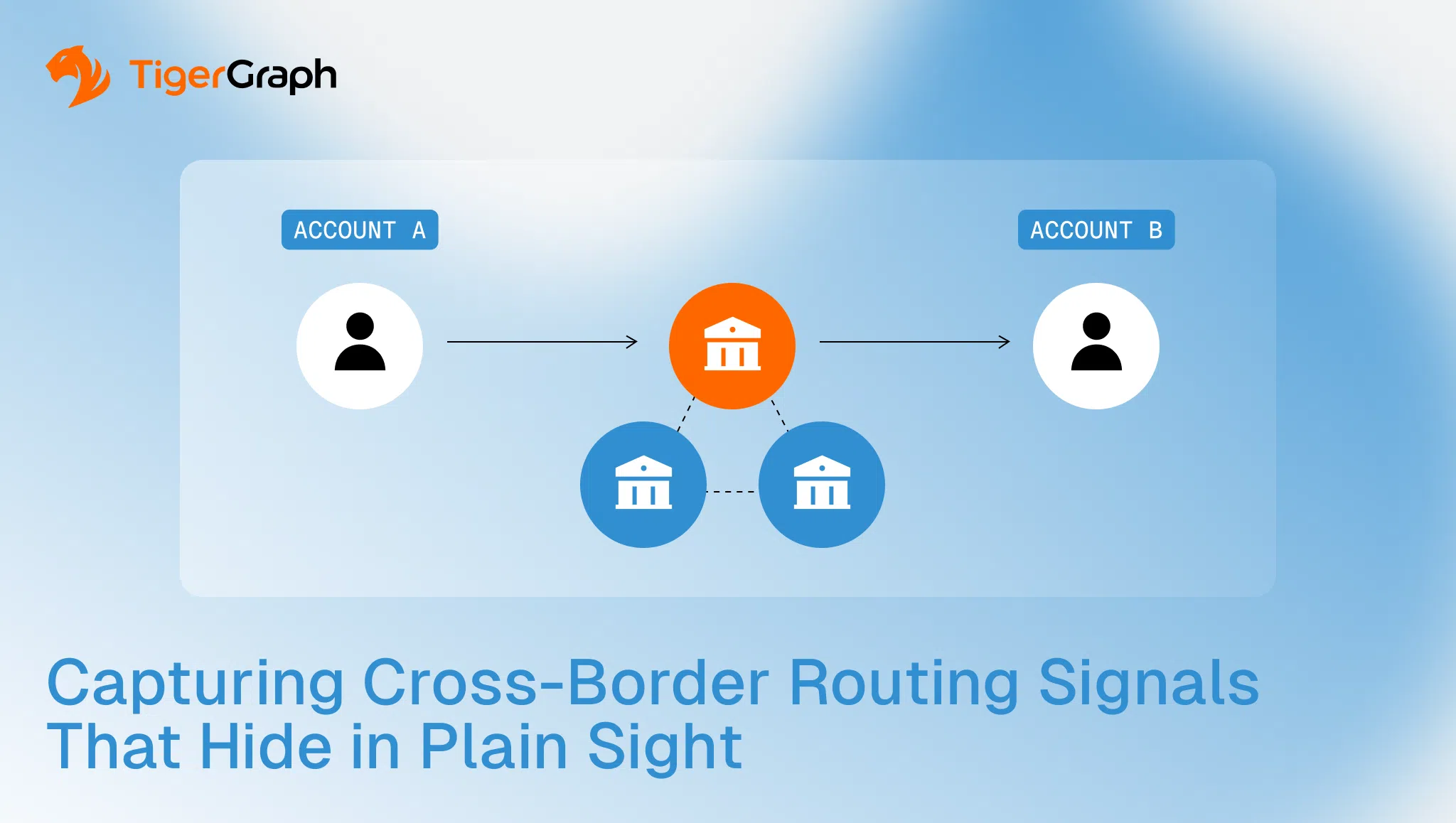
Capturing Cross-Border Routing Signals That Hide in Plain Sight

Code & samples
126
  • Graph Resources52
  • Concept
    109
  • Troubleshooting12
  • Security advisory4
  • Runbook
  • Article173
  • Case study26
  • Talk298
  • Release note24
  • Demo114
  • Webinar12
  • Event12
  • Report24
  • Cross-border routing risk usually shows up in the route choices, not the transfer amount. The same corridor, meaning the same route between two countries or jurisdictions, keeps reappearing. The same intermediary, which is the institution or account used as a middle step, shows up in the

    Discover
    How-to guide
    IntermediateHow-to guide

    Database secrets

    A database secret is a non-expiring credential that applications and developer tools use to authenticate with a TigerGraph database in Savanna. Use one when you connect a tool or integration to your database,

    Discover
    How-to guide
    IntermediateHow-to guide

    GraphStudio

    The GraphStudio™ design interface offers a range of features and tools to simplify the graph development process. It allows users to visually design and model their graph schema, define the structure of vertices an

    Discover
    How-to guide
    IntermediateHow-to guide

    Organization Management

    As an organization administrator, you have access to organization management features that allow you to configure organization settings. Manage Organization Setting To make organization set

    Discover
    How-to guide
    IntermediateHow-to guide

    Configure User Defined Functions (UDFs) On TigerGraph Savanna

    User-Defined Functions (UDFs) in TigerGraph allow you to incorporate custom logic into your GSQL queries. You can configure GSQL to your UDF definitions from a GitH

    Discover
    How-to guide
    IntermediateHow-to guide

    Manage Database Users

    When you connect to a TigerGraph Cloud Classic instance programmatically, such as from connectors like pyTigerGraph or the remote GSQL client, you often need to provide credentials that are created in the

    Discover
    How-to guide
    IntermediateHow-to guidev4.3

    Scatter Chart Widget

    The Scatter Chart will provide a visual representation of the relationship between two numerical variables, allowing users to identify patterns or correlations in the data. Introduction As a user o

    Discover
    How-to guide
    IntermediateHow-to guidev4.3

    Explore Graph

    After data has been loaded, the Explore Graph page allows you to explore and analyze the graph using an interactive graph visualization. Explore Graph is available in two interfaces: Classic Explore Graph

    Discover
    How-to guide
    IntermediateHow-to guidev4.3

    License

    License In order to use GraphStudio, you need a valid TigerGraph license that enables GraphStudio access. Please contact sales@tigergraph.com for license related questions. Click the Information icon , and the curr

    Discover
    How-to guide
    IntermediateHow-to guidev4.3

    Find Paths between Vertices

    You can use the Find Paths and the Find Connections option to find paths between two or more vertices: Find paths between two vertices Find connections between multiple vertices F

    Discover
    How-to guide
    IntermediateHow-to guidev4.3

    Markdown Widget

    TigerGraph Insights introduces a Markdown Widget as a customizable feature within the dashboard. Empowering users to incorporate formatted text, links, images, and diverse content to enrich the dashboard experience.

    Discover
    How-to guide
    IntermediateHow-to guide

    Using TigerGraph-MCP with GitHub Copilot Chat — TigerGraph MCP

    1. Install TigerGraph-MCP bash pip install tigergraph-mcp 2. Create the .env File In the root of your project, create a .env file: bash TGHOST=http://127.0.0.1 TGUSERNAME=tigergraph TGPASSWORD=tigergraph You

    Discover
    1234567

